Fountain Screenplay Format Explained: Write Scripts in Plain Text
By Gireesh Shanbbhag, Actor | Filmmaker | Screen Writer | Editor · Published 2026-09-13
Quick answer: Fountain is a free, open plain-text markup language for screenplays. You write in any text editor using simple rules — lines starting with INT. or EXT. become scene headings, a line in ALL CAPS followed by text becomes a character and dialogue, and lines ending in "TO:" become transitions. Screenwriting software then turns the .fountain file into a properly formatted script, PDF or Final Draft file.
Key takeaways
Fountain files are plain text, so they open anywhere, never become obsolete and work well with version control.
The syntax is minimal: most screenplay elements are detected automatically from capitalisation and blank lines.
Special characters let you force elements: ! for action, @ for a character, . for a scene heading, > for a transition.
Many apps import and export Fountain, including Kathe Kaara, Highland, Slugline, Beat, WriterDuet and Fade In.
Why do screenwriters use Fountain?
Fountain was created so writers could draft anywhere — a phone notes app, an email, a plain text editor — and still produce a correctly formatted screenplay later. It is also the most future-proof backup format: a .fountain file from today will still open in fifty years. Many writers keep a Fountain export alongside their PDF and Final Draft (.fdx) copies.
What is the Fountain syntax?
Scene headings
Any line that starts with INT, EXT, EST, INT./EXT or I/E and is preceded by a blank line becomes a scene heading. Force one with a leading period: .FLASHBACK - MEERA'S CHILDHOOD.
Action
Any normal paragraph is action. Force action (for a line in capitals that is not a character) with an exclamation mark: !BOOM. The lights go out.
Character and dialogue
A line entirely in capitals, with a blank line before and text immediately after, is a character name; the next lines are dialogue:
MEERA
I'm not going back.
Use @ to force a character name with lowercase letters, such as @McGregor. Add (V.O.) or (O.S.) after the name as usual.
Parentheticals
A line wrapped in parentheses inside dialogue: (quietly).
Dual dialogue
Add a caret (^) after the second character's name to place two speeches side by side.
Transitions
A line in capitals ending in "TO:" — CUT TO: — becomes a transition. Force others with >: > FADE OUT.
Centered text
Wrap it in angle brackets: > THE END <.
Emphasis, notes and structure
*italics*, **bold**, _underline_.
[[Notes]] are ignored in the printed script.
/* Boneyard */ hides text you want to keep but not print.
# Sections and = synopses help outline acts and sequences without printing.
Title page: key-value lines at the top, such as Title:, Credit:, Author:, Draft date:.
A complete Fountain example
Title: The Last Bus
Author: Ravi KumarEXT. MAJESTIC BUS STAND - NIGHT
Rain. RAVI (30s) stares at an empty platform.
RAVI
(to himself)
Ten minutes late. Again.CUT TO:
Can I write Kannada or Hindi dialogue in Fountain?
Yes. Fountain is UTF-8 text, so Kannada, Hindi, Tamil or any Unicode script works in dialogue and action. Character names that trigger the character rule must be in capital Latin letters, or forced with @.
How to import and export Fountain files
In Kathe Kaara, open File > Import in the editor and choose your .fountain file — scene headings, characters, dialogue and transitions are mapped to the right elements, including the title page. Export back to Fountain at any time, or to PDF, Final Draft XML, plain text or JSON.
Frequently asked questions
Is Fountain free to use?
Yes. Fountain is an open specification that anyone can use and any app can support.
What is the file extension for Fountain?
.fountain (some apps also accept .spmd or .txt).
Can Fountain replace Final Draft files?
For writing and archiving, yes. Some producers still want .fdx, so export both when you share an editable script.
Does Fountain support revision colors?
No. Revision tracking is handled by the screenwriting app, not the plain-text file.
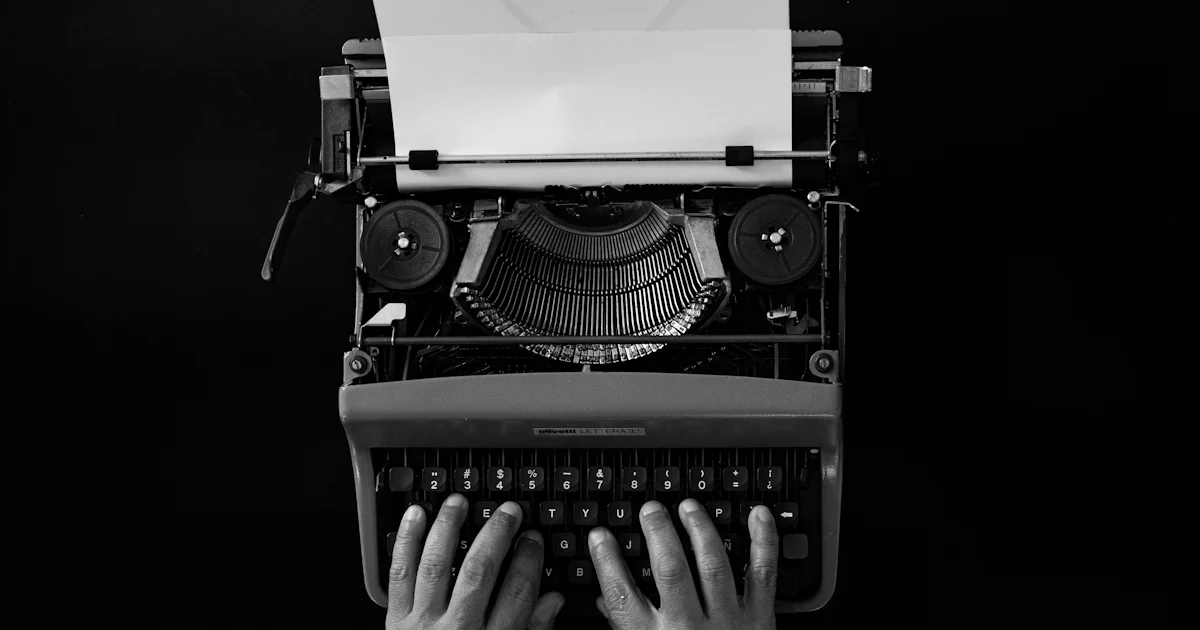
Cover photo: Hands typing a script on a vintage typewriter — by Iván Martínez Díaz on Unsplash.